# Feature Flags (/community/feature-flags)
Learn how to enable/disable specific features in Novu
Feature flags allow to turn certain functionality on and off based on configuration. In this way, users can preview beta features in their deployments.
To enable the specific feature, you need to pass an environment variable to all services:
Feature flag environment variable accepts boolean values: `true` or `false`.
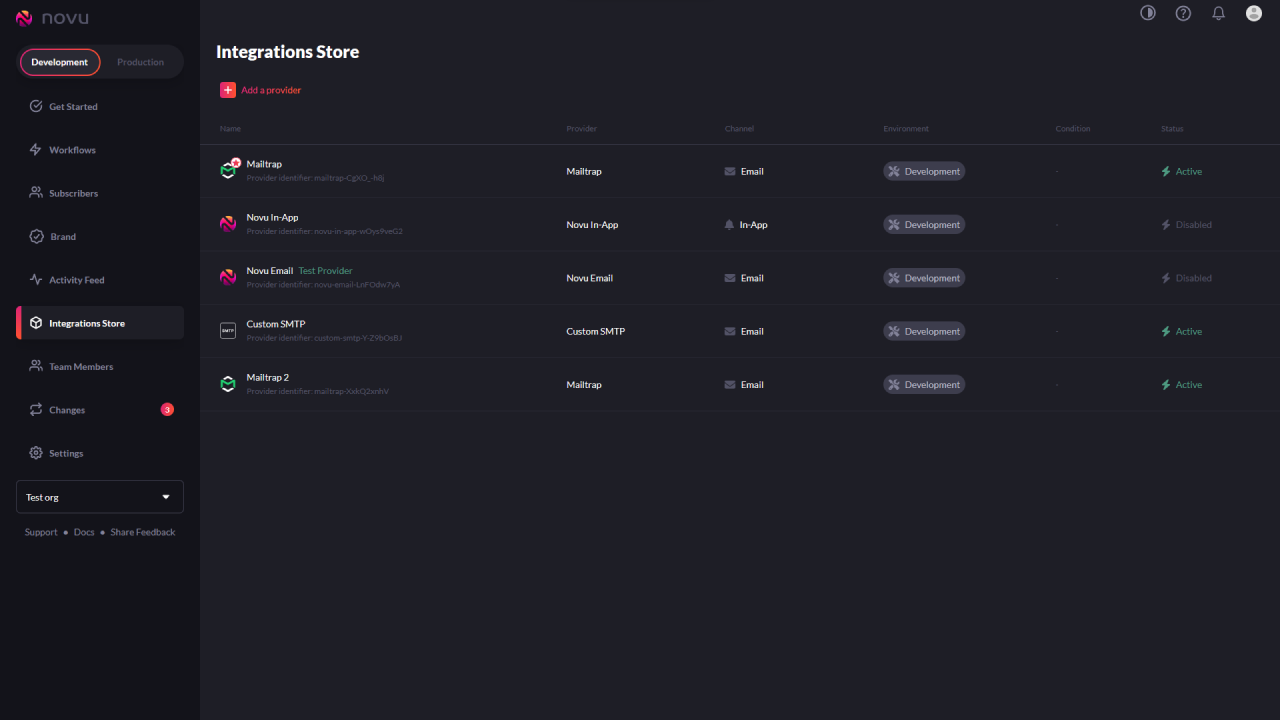
* `IS_MULTI_PROVIDER_CONFIGURATION_ENABLED` adds ability to connect multiple providers per channel and make them active. It also shows redesigned integrations store page.
Redesigned Integrations store page.
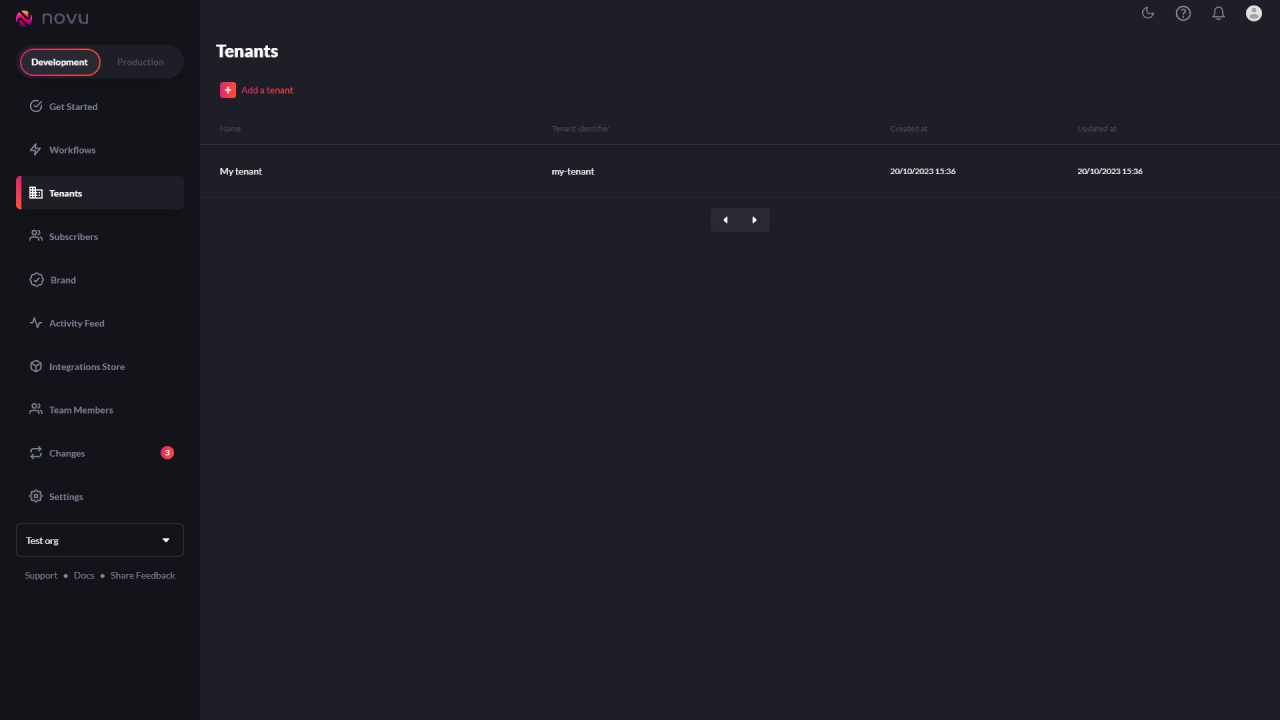
* `IS_MULTI_TENANCY_ENABLED` adds ability to manage tenants from dashboard.
Once multi-tenancy is enabled, the Tenants page will appear.
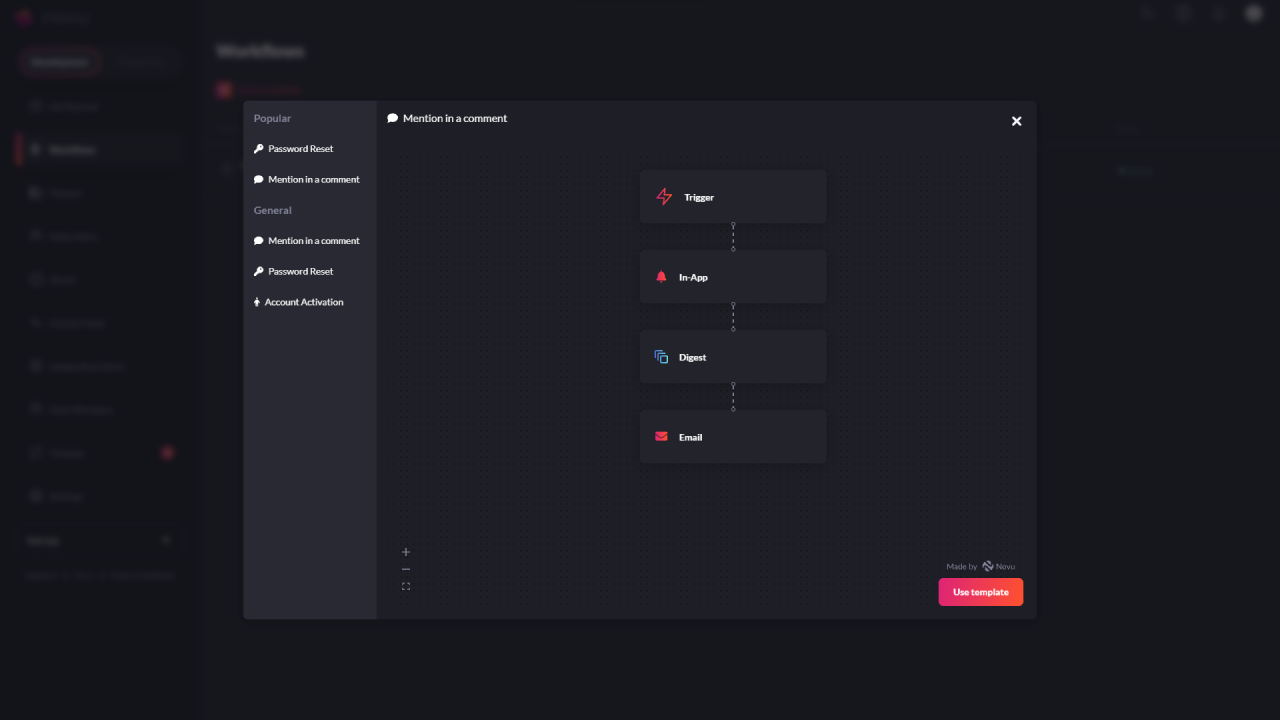
* `IS_TEMPLATE_STORE_ENABLED` enables template store which contains pre-made workflows for common use cases (like **Password Reset** workflow etc).
With template store enabled, you can choose from pre-made workflows.