

Demo integrations are only available in Novu cloud. This feature doesn’t work in community self-hosted version and local environment.
Limits of the demo integrations
Demo integrations are intended strictly for testing and development. To ensure this, they operate with the following rules:- Both the demo email and demo SMS integrations are limited to 300 notifications per month each.
- The demo Email integration can only send emails to the address associated with your logged-in Novu account. It does not deliver messages to any other email address.
How test using a demo integration
Demo integrations are active by default, so you can start testing in just a few steps. The demo integrations are set as primary by default in new Novu environments.- Log in to the Novu dashboard.
- Click Workflows.
- Click Create workflow and create a new workflow.
- Add two steps in the workflow: one for Email and one for SMS.
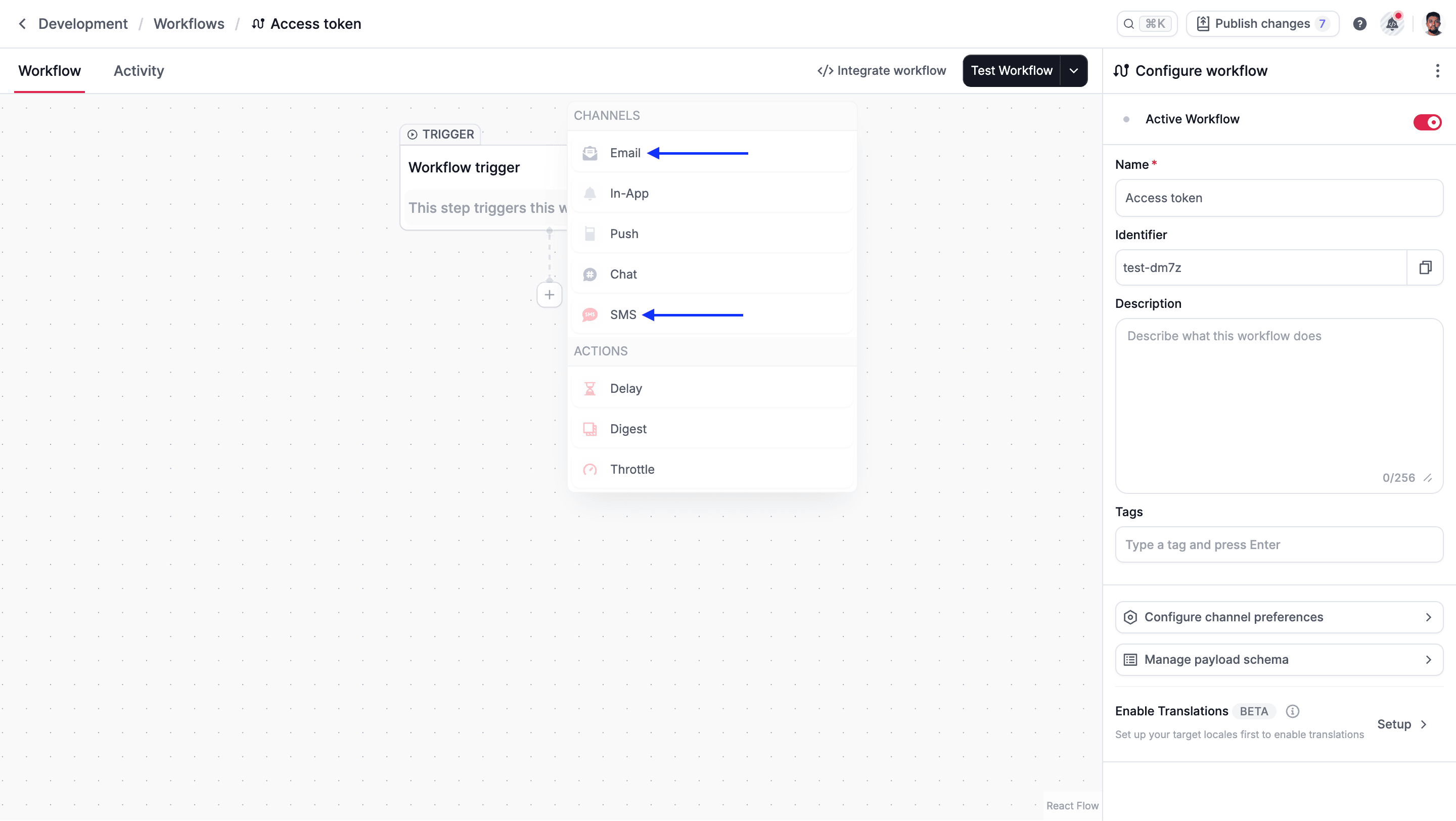
- Click Test Workflow.
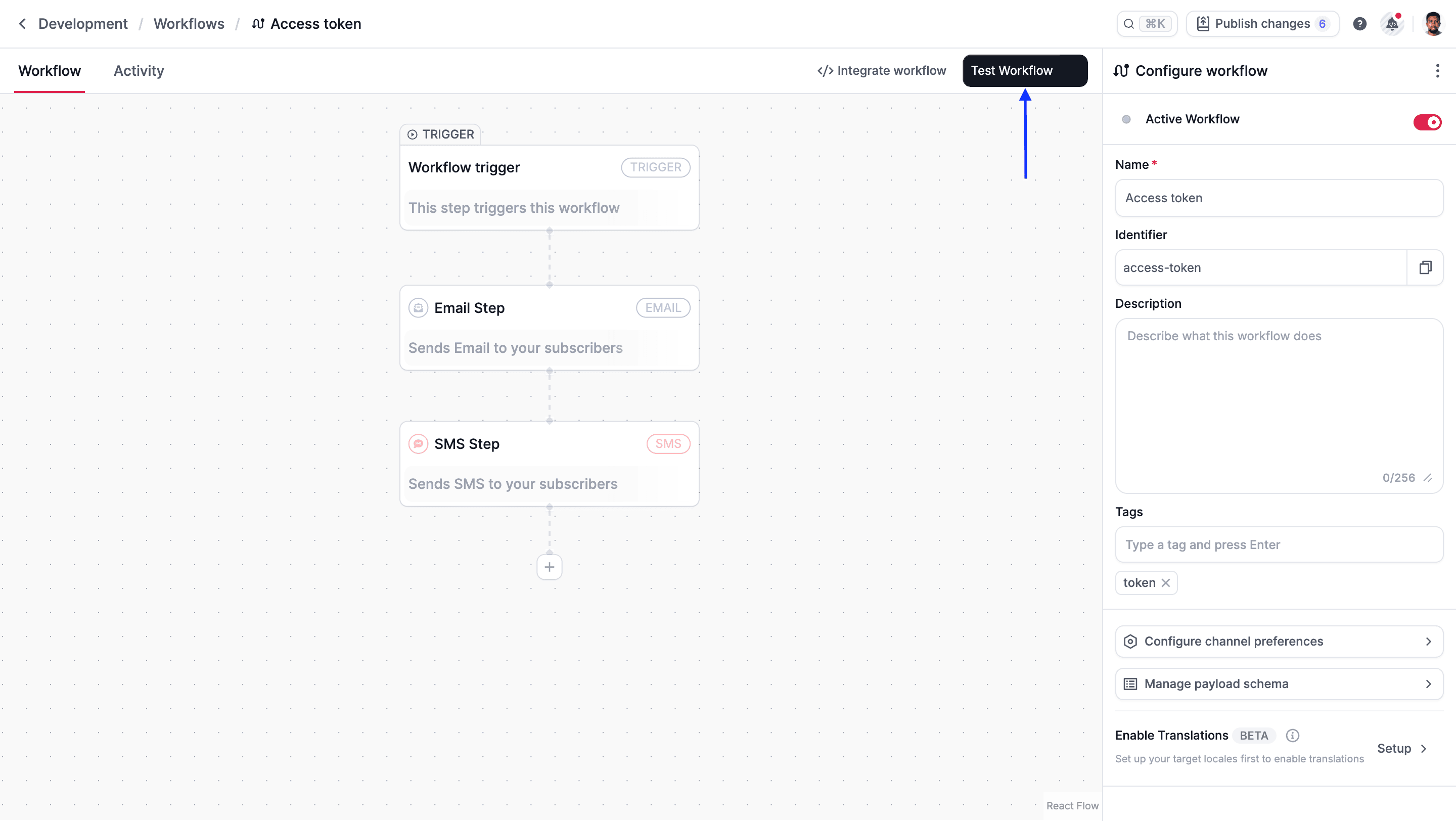
- Verify the notification. There are two ways to confirm that your test was successful:
- Check the activity feed or event logs to confirm if the notification was successfully sent to the various channels.
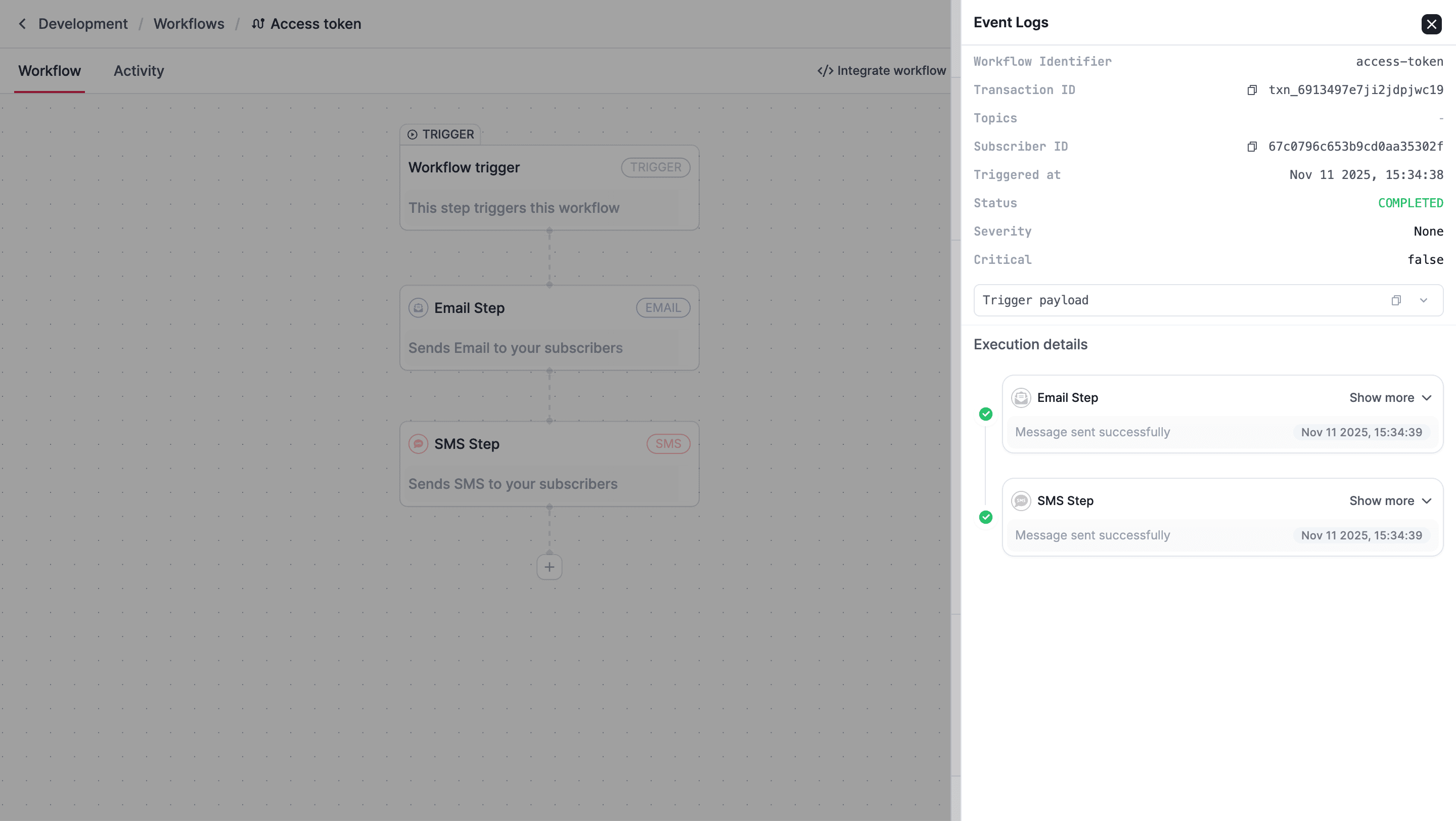
- Check the inbox of the email address and phone number you use for your Novu account. You should receive a real email and SMS from the demo integration.
- Check the activity feed or event logs to confirm if the notification was successfully sent to the various channels.
Next step
Once you have finished testing with the demo integrations, select a channel below to find the list of all supported providers integrations and their guides:Integrate Email providers.
SMS
Integrate SMS providers.
Push
Integrate Push providers.
Chat
Integrate Chat providers.
In-App
Integrate In-app notifications.