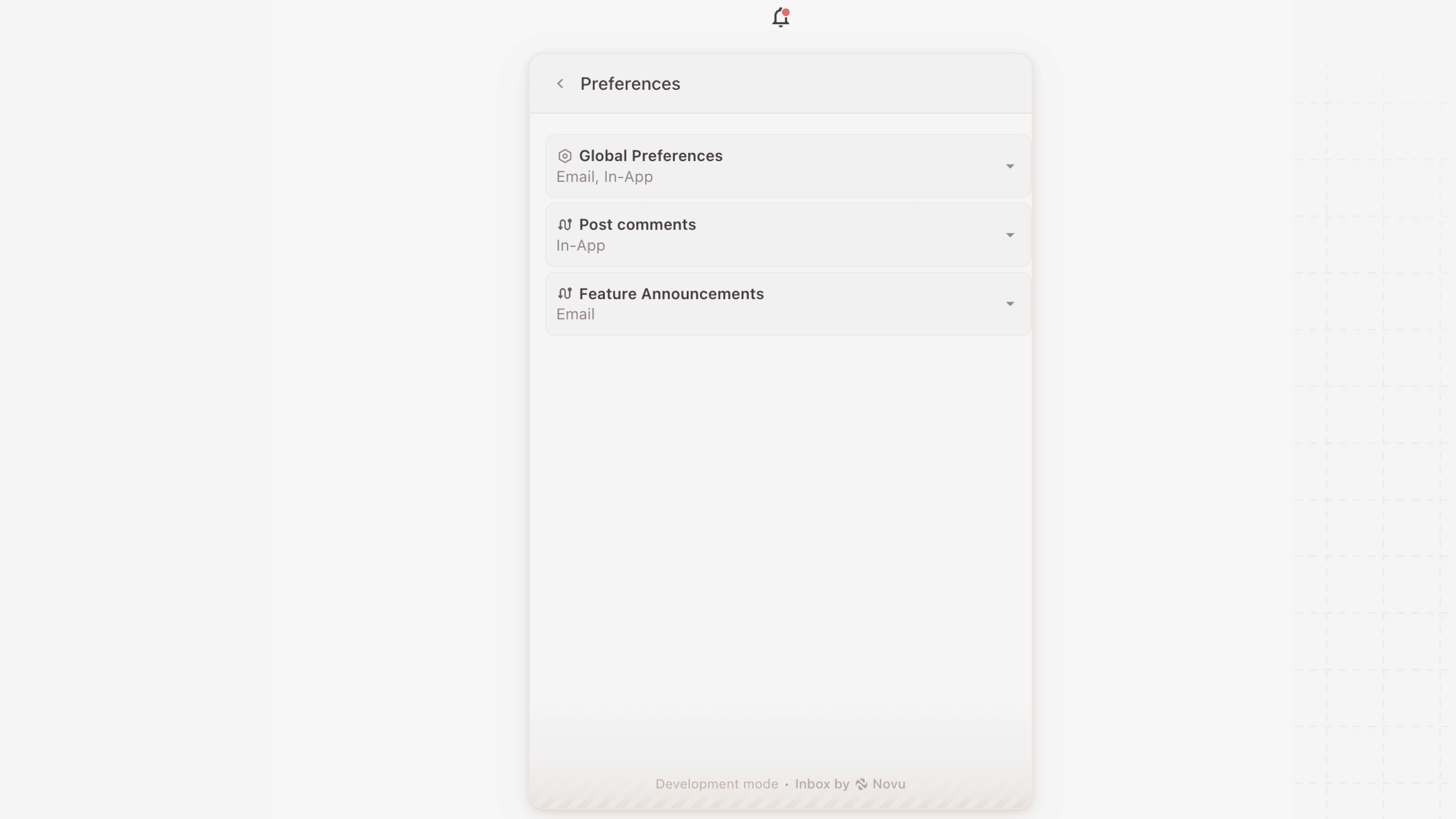
Localization only updates the UI text in the Inbox. It doesn’t translate the content of your notifications. To send messages in different languages, use the Translations.
Using the localization prop
Override the default text in the Inbox component UI by passing alocalization prop. This prop accepts an object of key-value pairs, where each key maps to a specific UI element and each value is your custom string.
If you omit any keys, then the component reverts to the default en-US values.
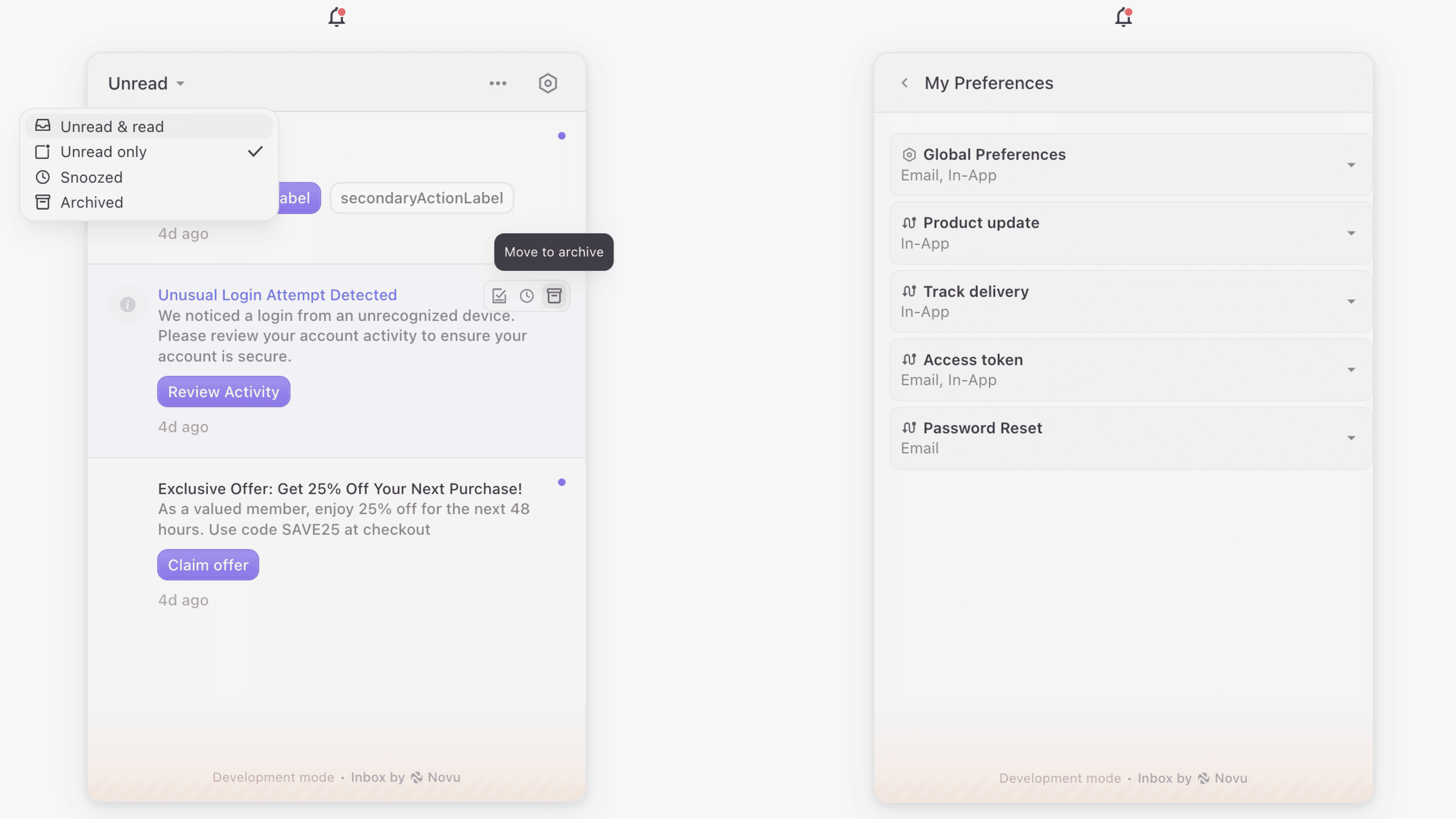
Localization is also fully supported in @novu/react-native.
Available localization keys
Here is a list of all the keys available for localization, grouped by their respective sections in the Inbox UI.Filters
Notifications
Notification actions (tooltips)
Snooze menu
Preferences
To view the latest and most complete key list, check the defaultLocalization.ts file.
Localizing workflow names in preferences
To display localized names for specific workflows in the Preferences UI, use the dynamic object within the localization prop. Each key in dynamic should match a workflow ID, and its value should be the localized workflow name.