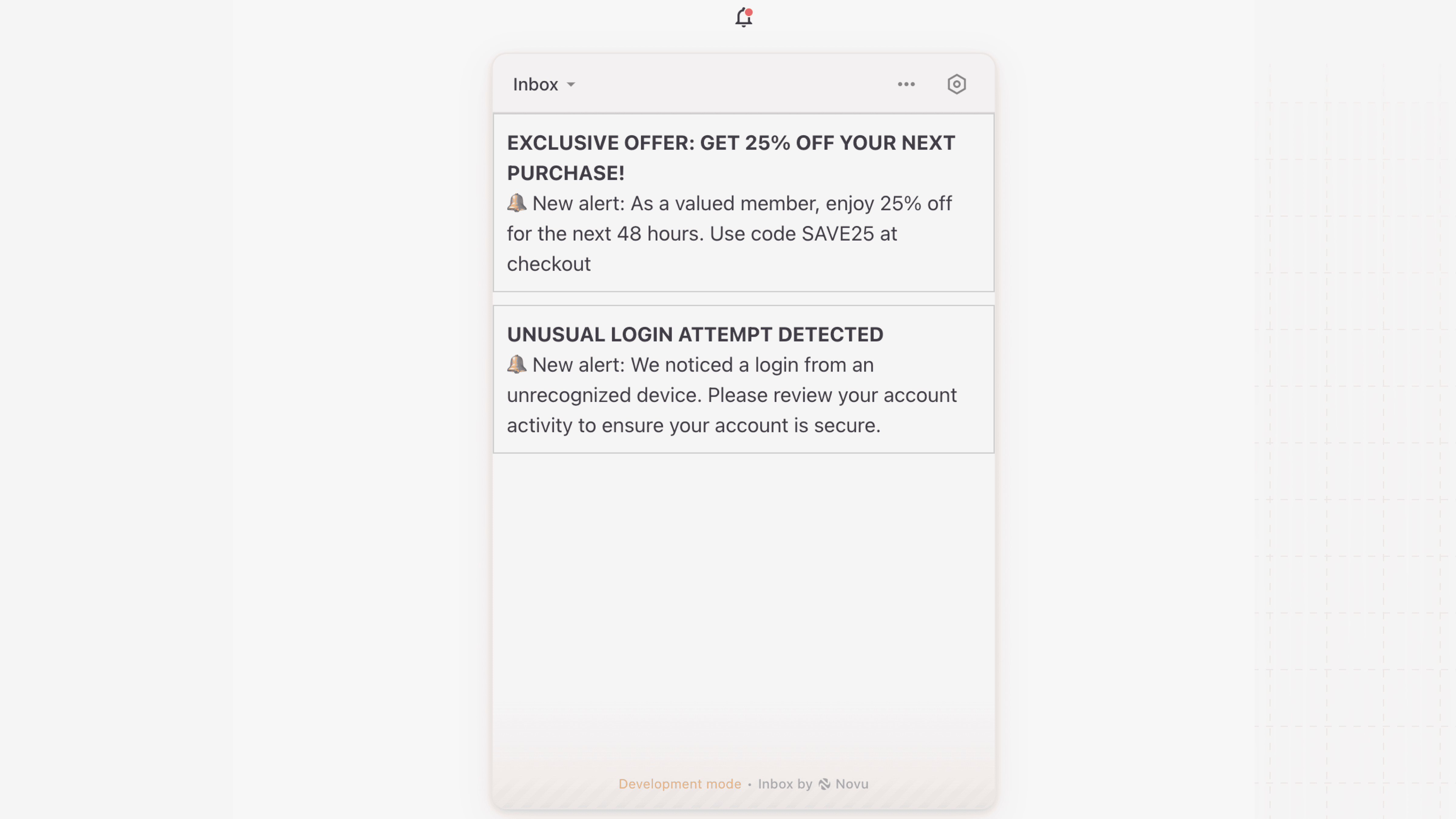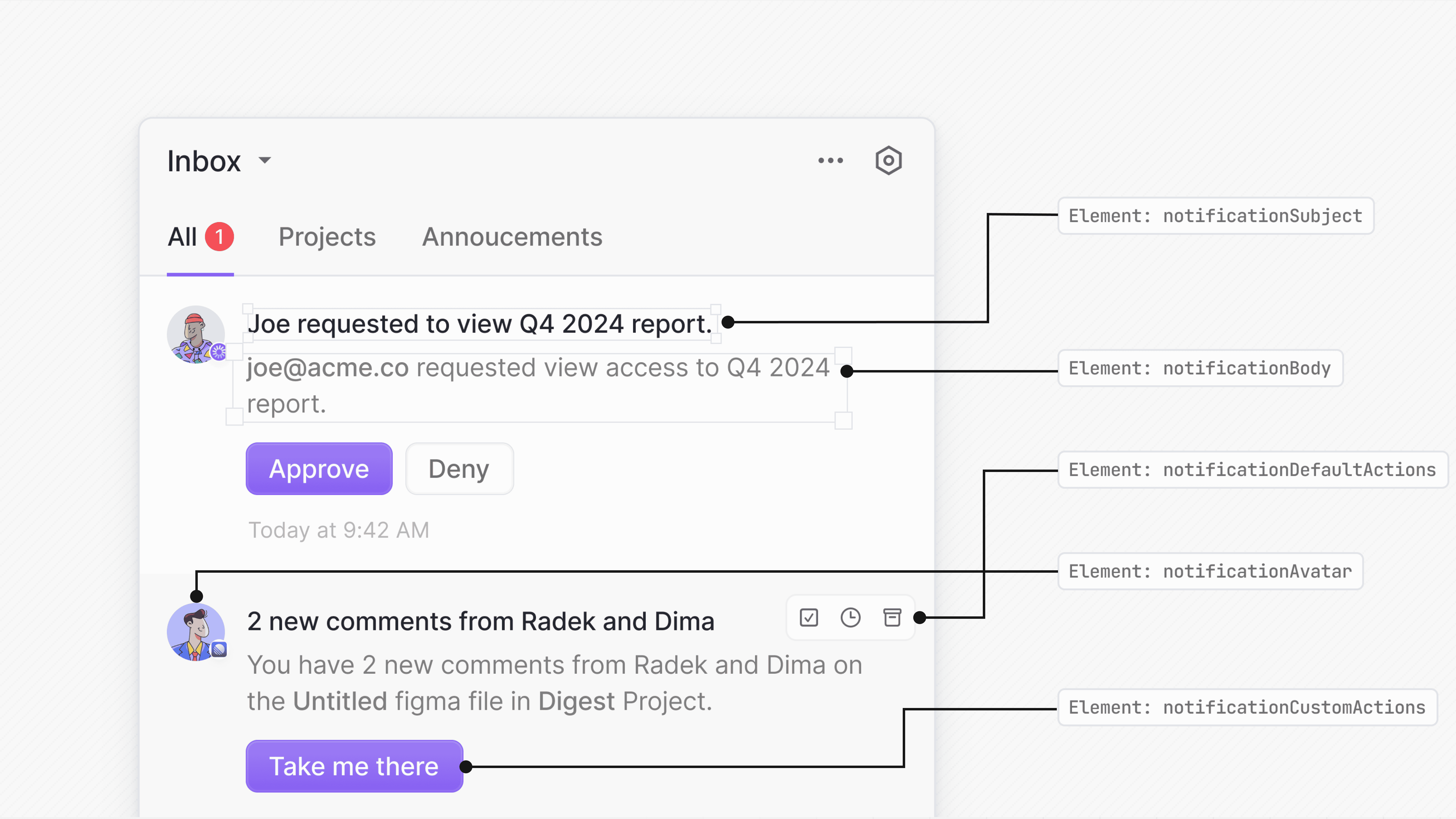
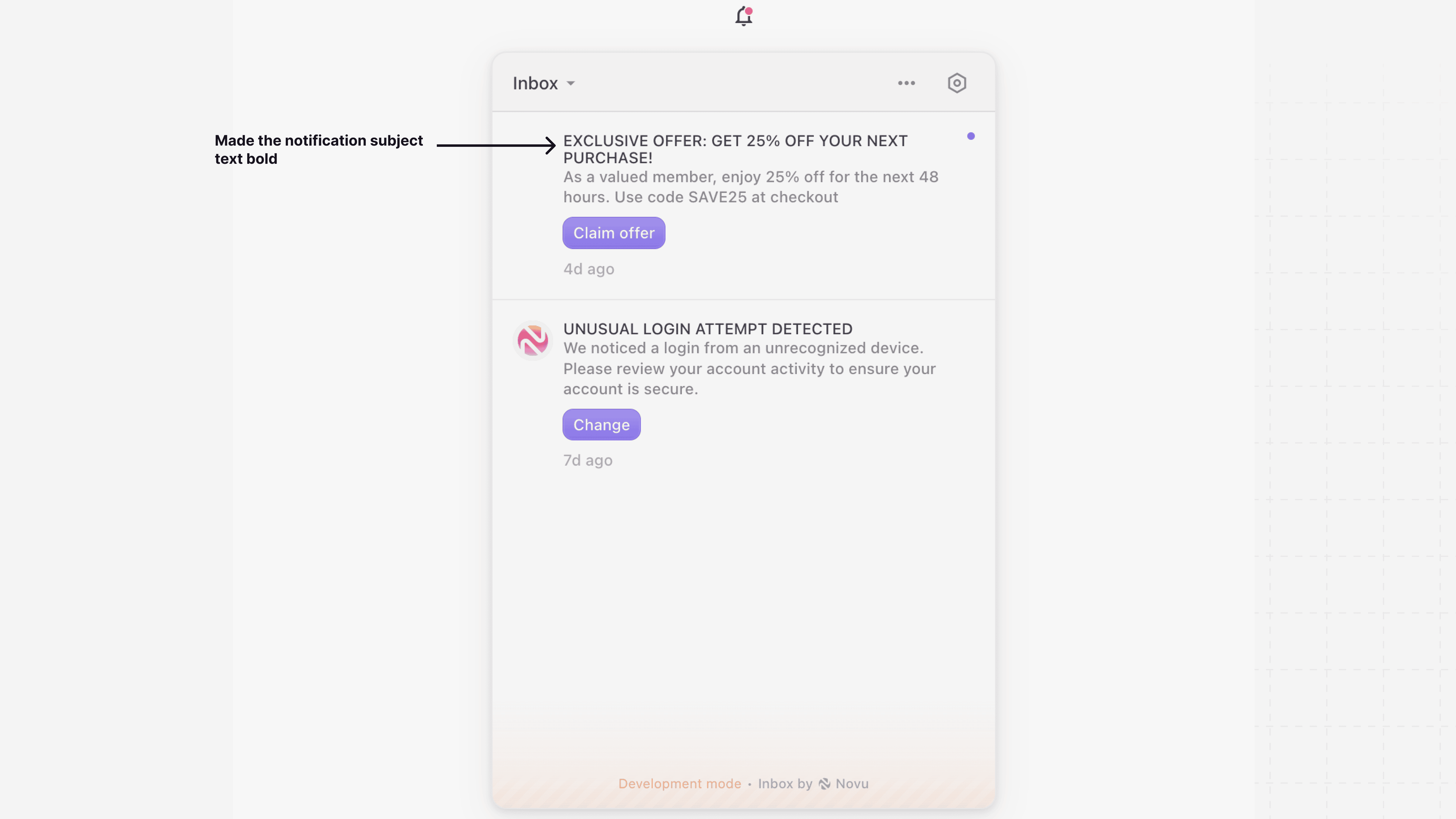
Customize notification subject
Use therenderSubject prop to provide a custom component for the notification’s subject line while keeping the rest of the notification style intact.
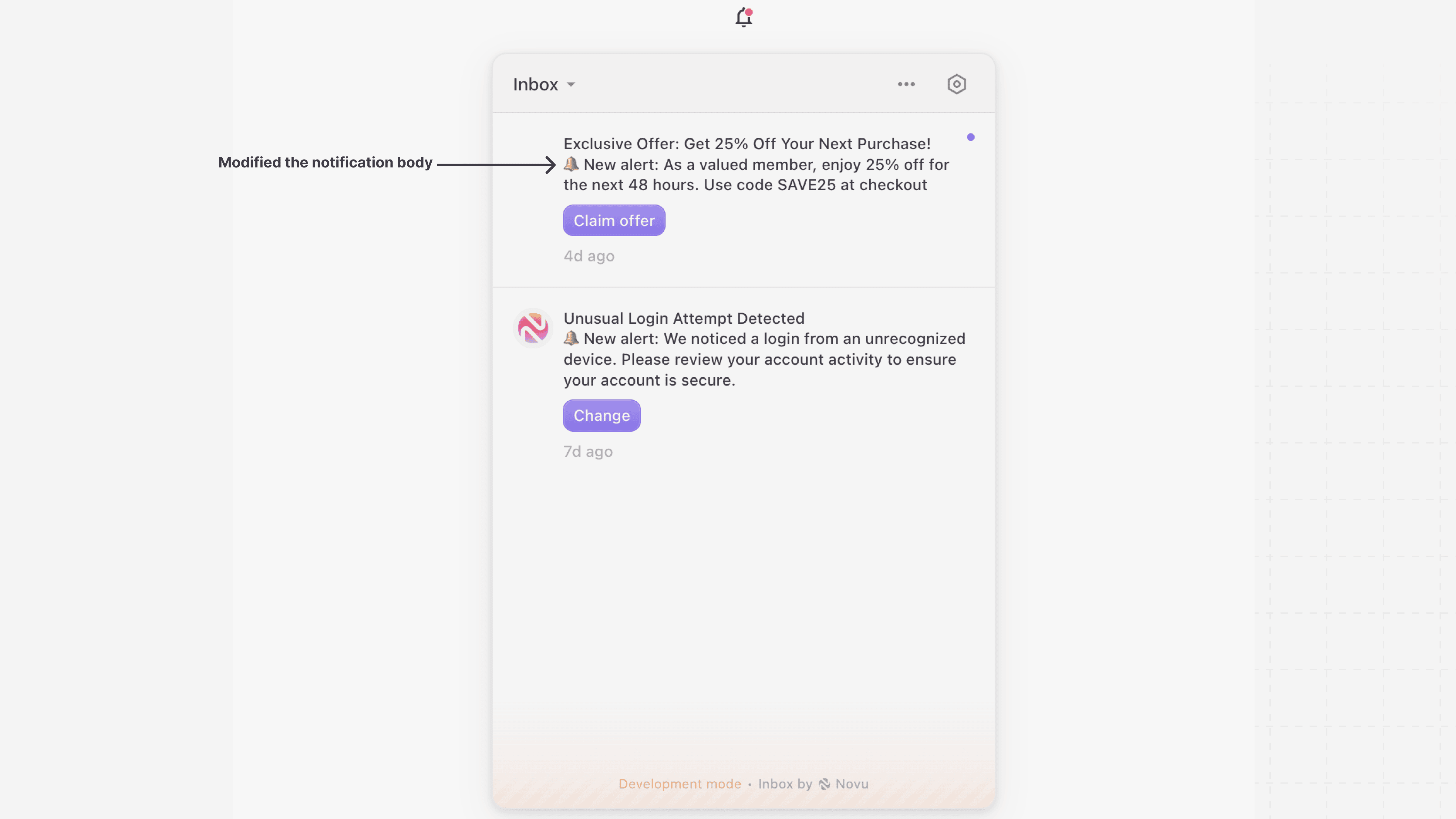
Customize notification body
UserenderBody if you want to keep the default Inbox UI and only change how the body is rendered. This is useful when you want to customize content formatting or include additional fields from the data object.
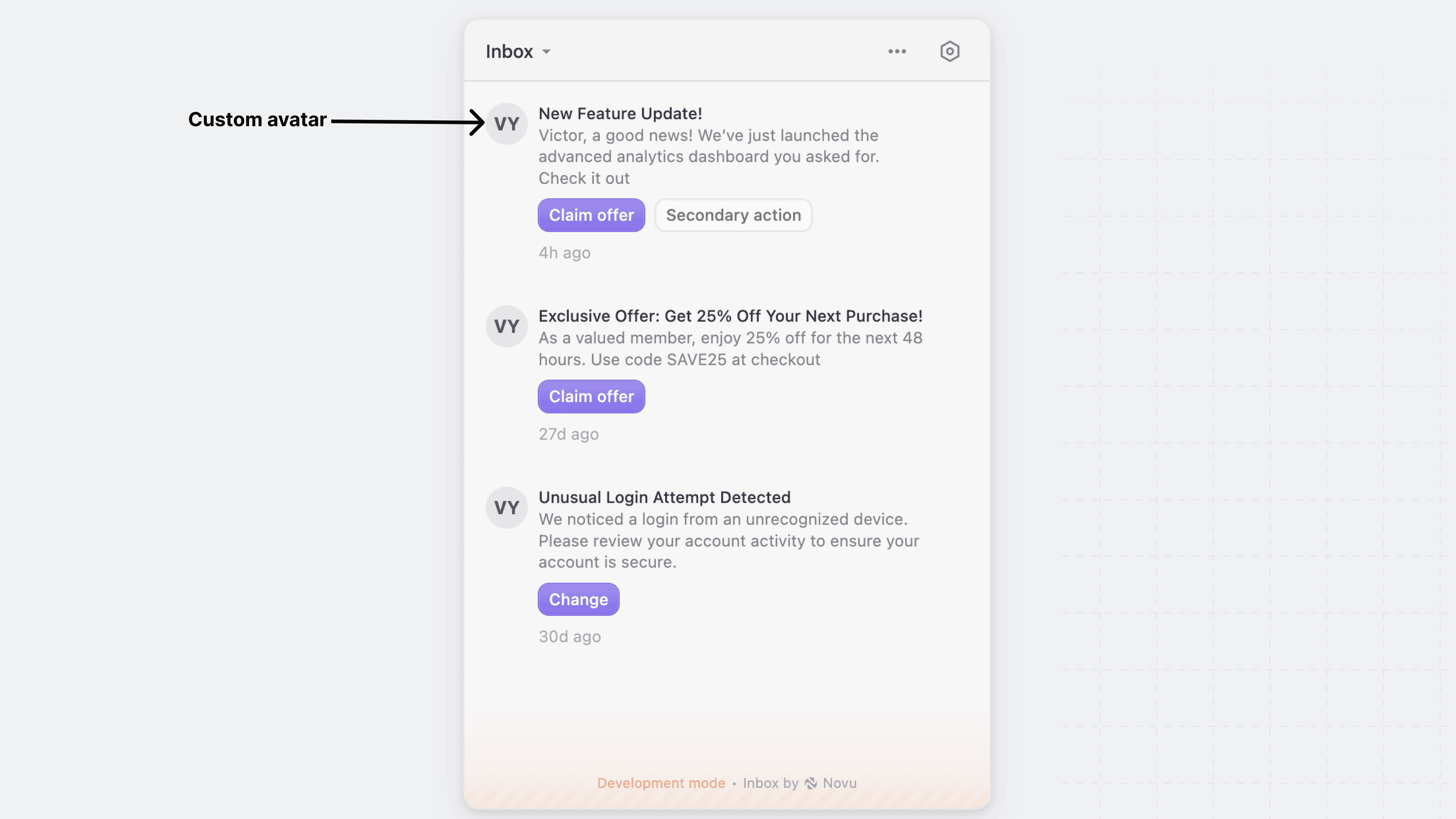
Customize notification avatar
Use therenderAvatar prop to replace the default notification avatar with your own custom component. This allows you to display user images, icons, or any other visual element that fits your application’s design.
Customize notification actions
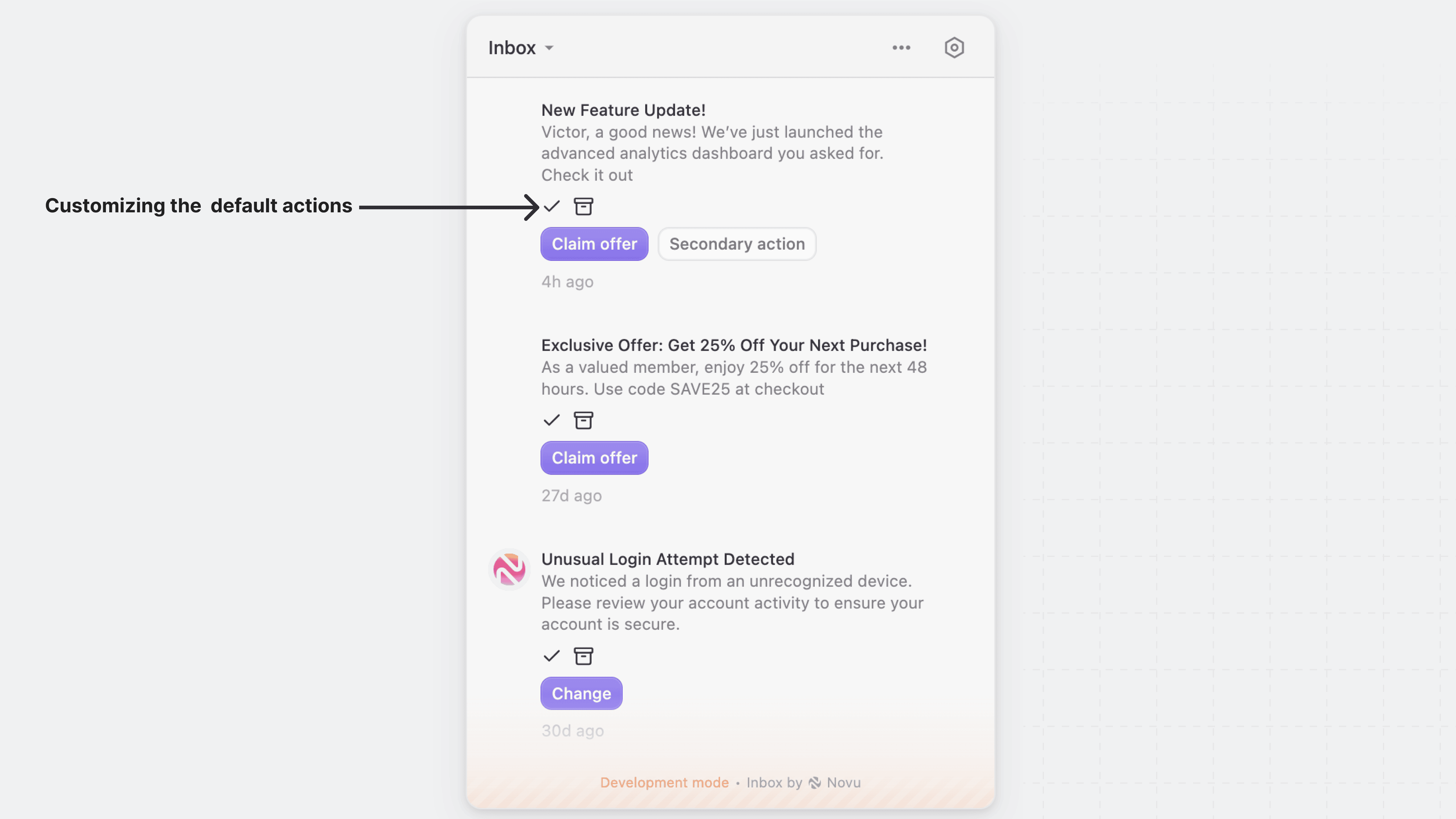
Novu provides render props to customize actions:Default actions
Use therenderDefaultActions prop to override the default action buttons for notifications, such as “Archive,” “Mark as Read,” and “Snooze.”
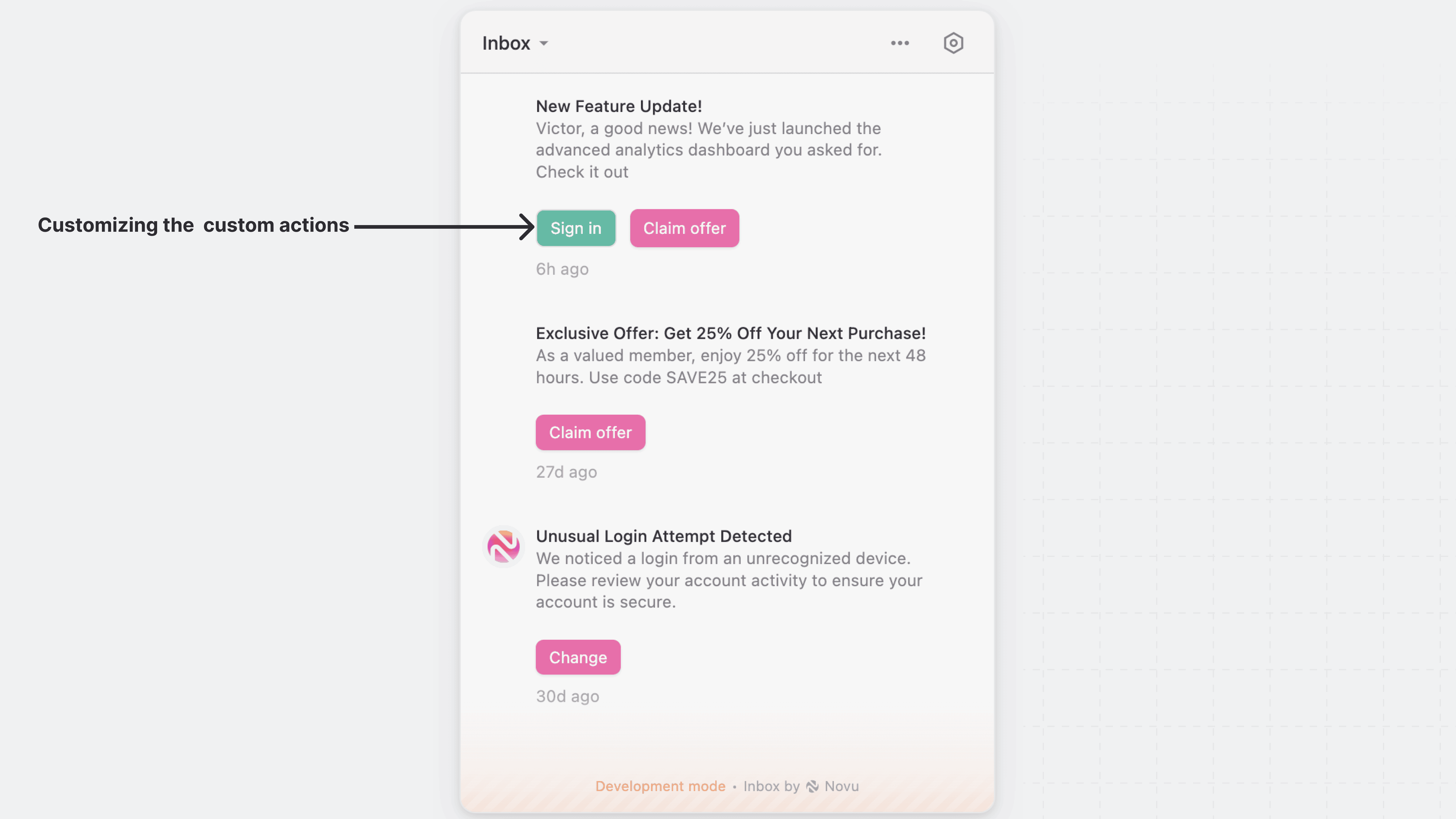
Custom actions
Use therenderCustomActions prop to override the primary and secondary actions buttons with your own action button. This is useful for creating unique design and interactions specific to your application.
Customize the entire notification item
Use therenderNotification prop to customize the entire notification item in the Inbox UI, including the container, layout, and the content of the subject and body of each notification.