

Novu’s Infobip integration only supports the SMS and Email channels. Infobip’s WhatsApp, Viber, and Voice channels are not exposed through this integration. To send WhatsApp messages through Novu, use the WhatsApp Business or Twilio integrations instead.
Setting up Infobip
1
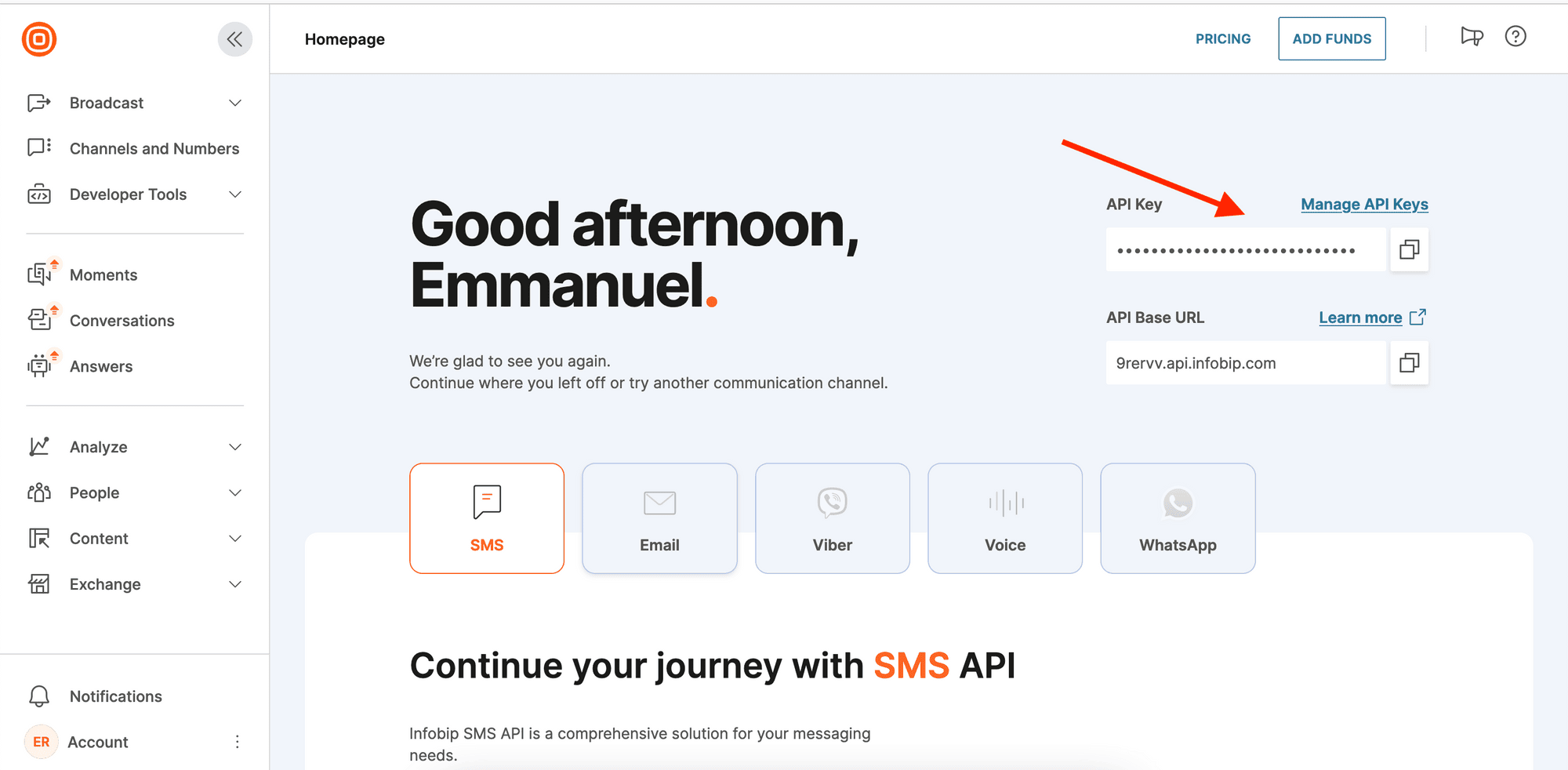
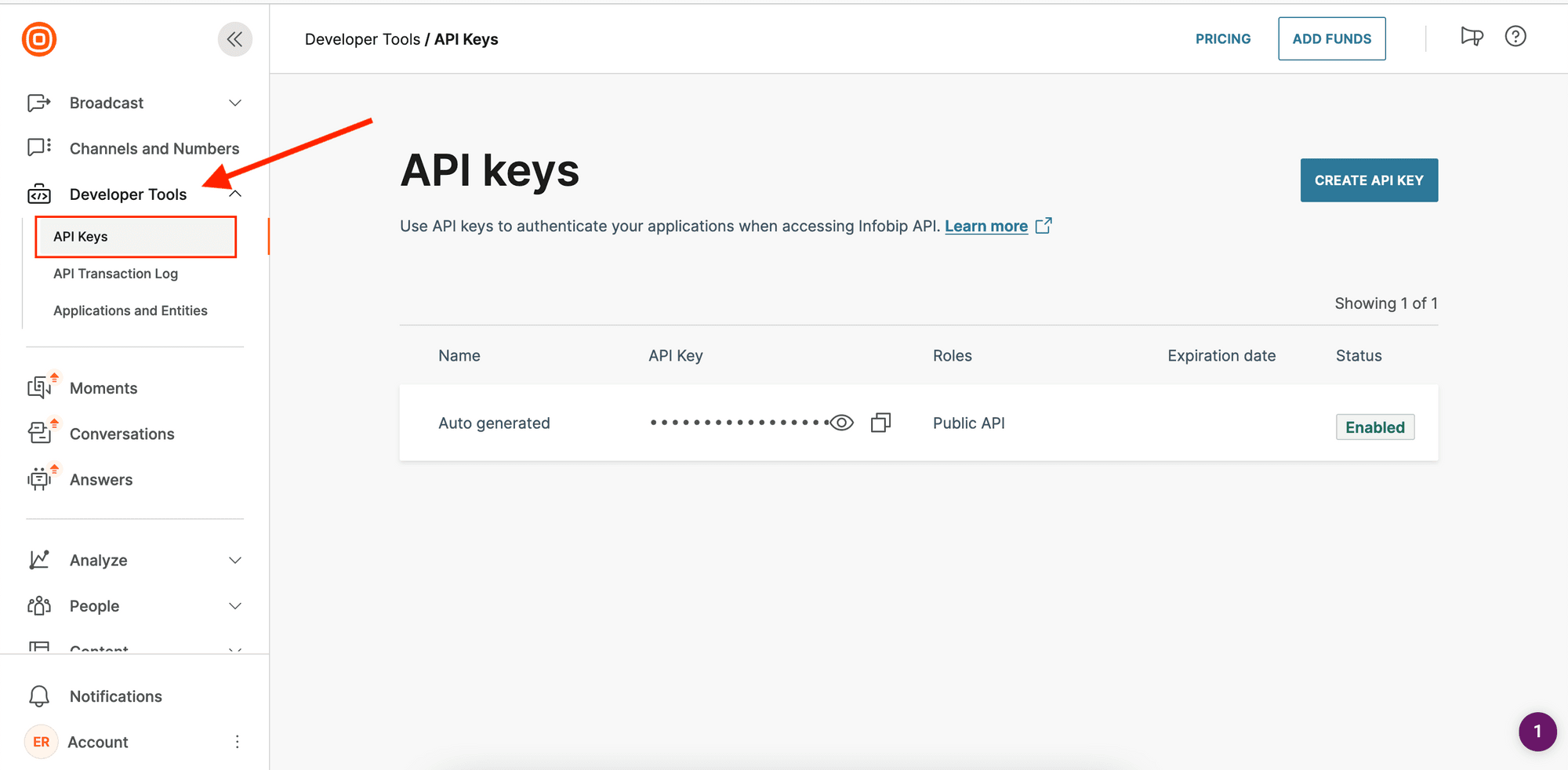
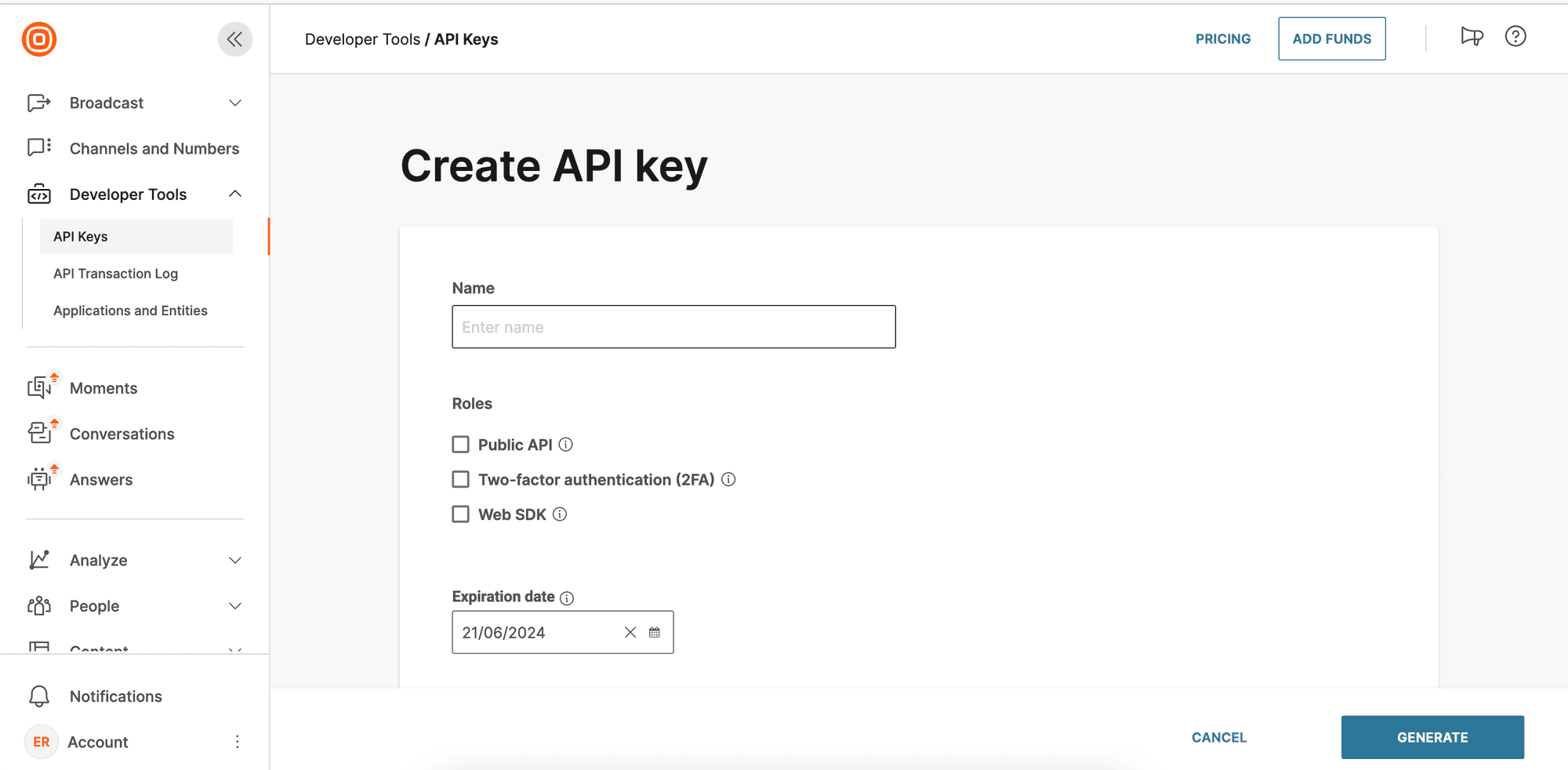
2
Get your Base URL
Log in to your account and check your Homepage. You should see your base URL in this format: 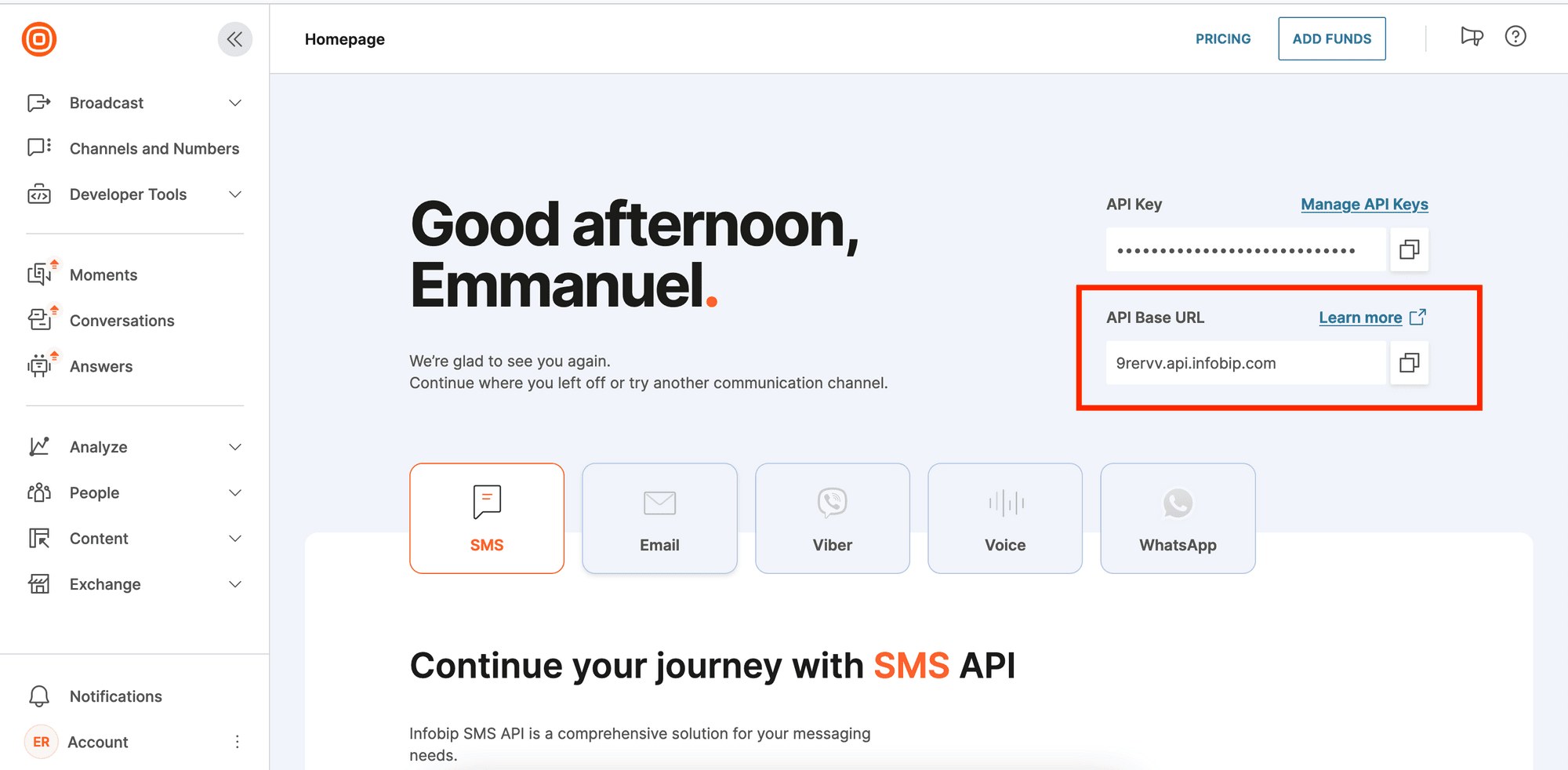
xxxxx.api.infobip.com.3
Connect Infobip to Novu
- Visit the Integrations page on Novu
- Click the “Add a provider” button
- Locate Infobip under the SMS section and click on the Connect button
- Enter your:
- Infobip API Key
- Base URL
- Click on the
Disabledbutton and mark it asActive - Click on the Connect button